Press kit
Totally Normal Mapper
Normal maps for pixel art and painted sprites. Out on Steam December 3, 2026. Everything here may be used in coverage of the tool: the descriptions, the facts, and the images.
- Developer
- Goat Hollow Games, a one-person studio (Steve)
- Release date
- December 3, 2026
- Price
- $29.99 USD, with a launch discount
- Platform
- Windows and Linux. Steam Deck runs the Windows version through Proton. macOS is planned.
- Exports for
- Unity, Godot 4, Unreal Engine 5, OpenGL, DirectX
- Website
- totallynormalmapper.com
- Press contact
- support@goathollowgames.com
Description
Quote freelyIn one paragraph
Most generators treat brightness as height, so a shadow you painted becomes a dent. This one starts from the sprite outline and the line work, then lets you paint the overlaps and the flat planes yourself.
Longer
Totally Normal Mapper makes normal maps for pixel art and painted sprites, so they react to lights in Unity, Godot, Unreal and other engines.
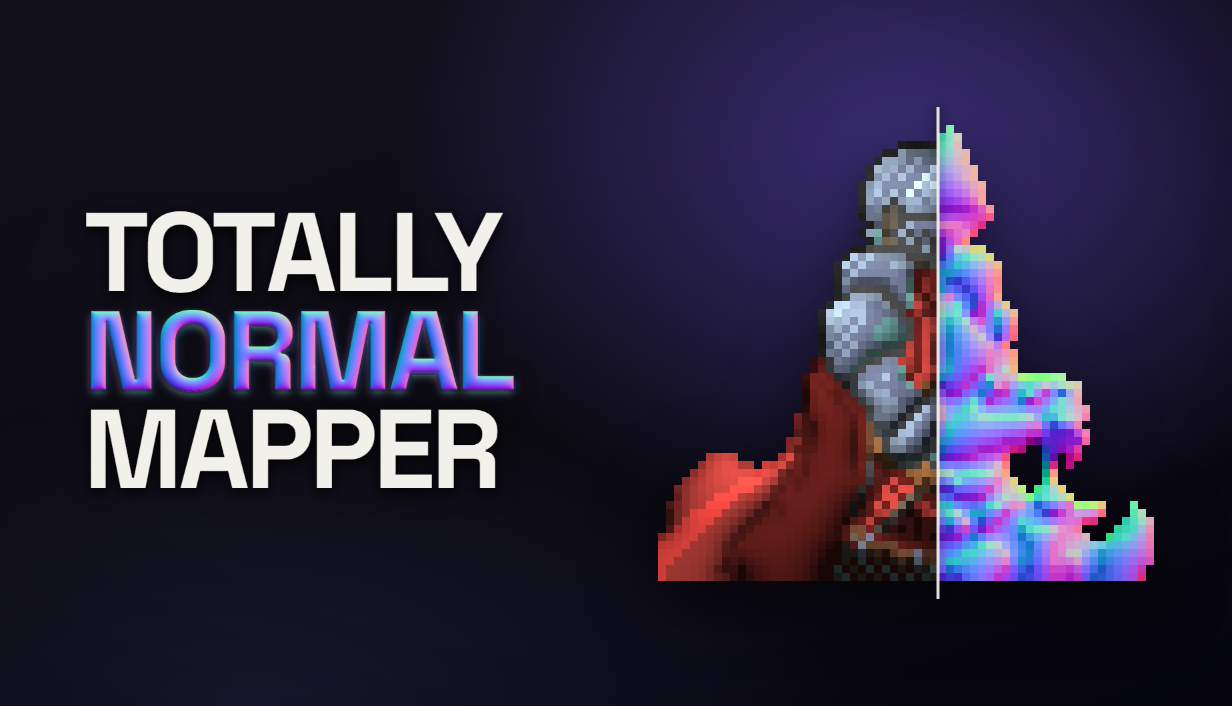
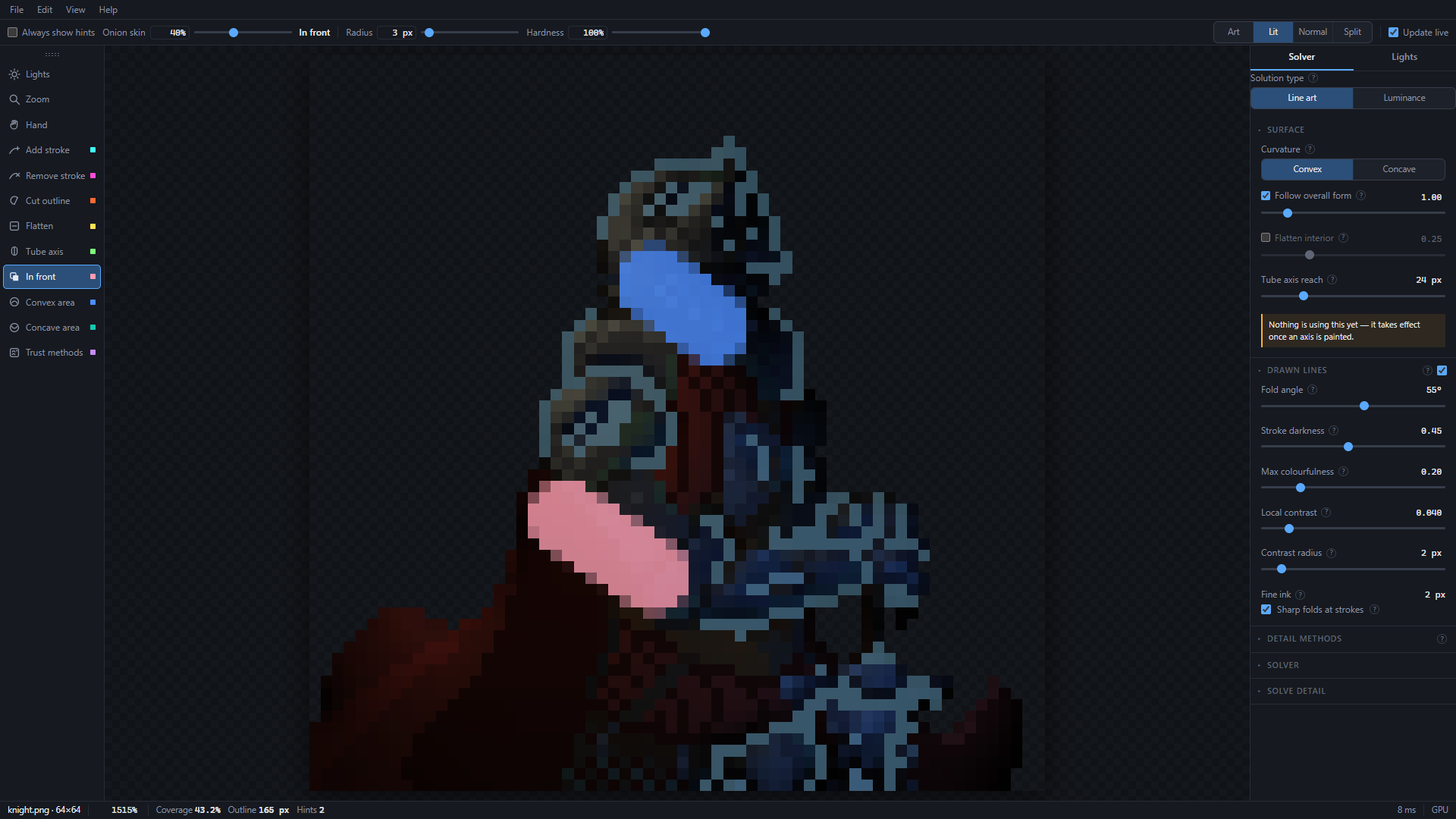
Most normal map generators read a sprite's brightness as height. On a drawing that goes wrong: a shadow the artist painted becomes a dent, and every ink line becomes a ridge. Totally Normal Mapper starts from the sprite's outline and its line work instead. Where that reading is wrong, the artist paints a hint, such as an arm in front of the body or a wall that should stay flat.
The map comes out at the sprite's own size, so pixel art stays sharp. Layers in Photoshop and Aseprite files can be read as hints, the frames of an animation are solved together so they agree, and a batch tool installed beside the editor applies the same settings to a whole folder.
Features
From the front pagePainted lighting stays in the colour
Line detection uses colour, so a dark wash is not read as an inked fold. Edges are found without blurring the sprite.
Sharp at the sprite's own size
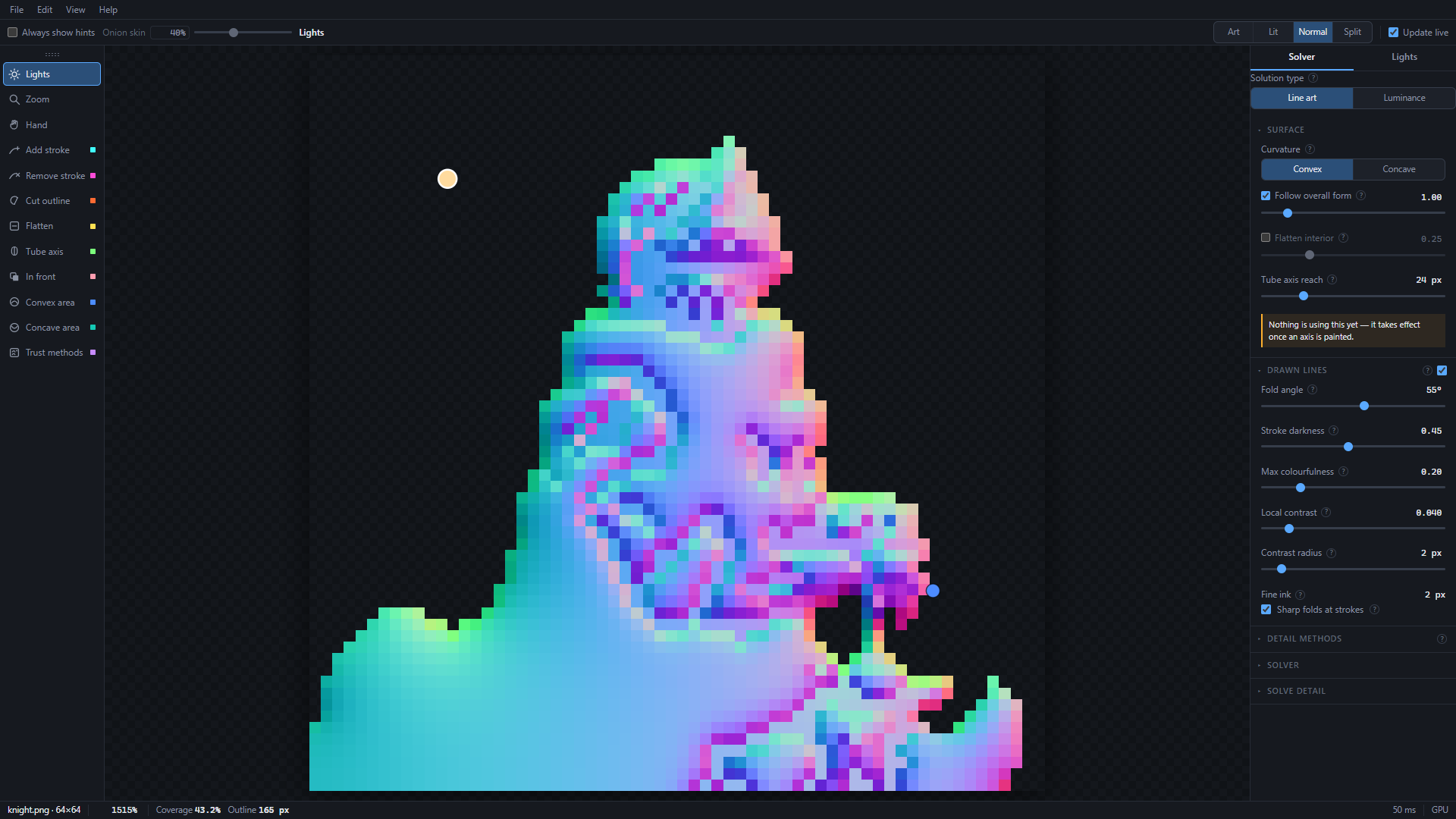
A 32×32 sprite exports as a 32×32 normal map. The pixels stay hard.
A preview you can light
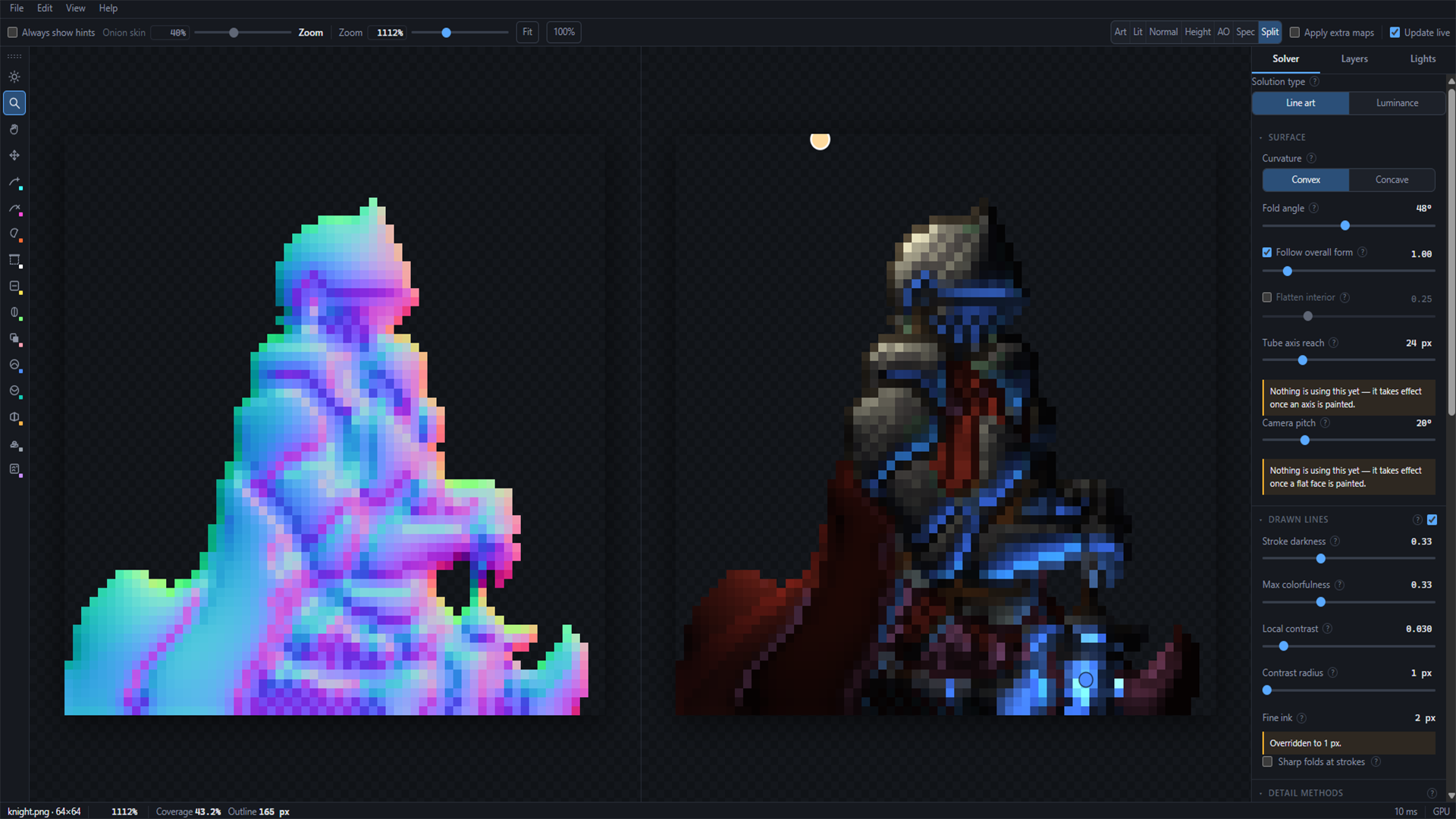
Drag lights across the artwork. Switch between art, lit, normal, height, AO, spec, and split before you export.
Several sprites, each its own object
Import them as layers. Each is solved separately, with its own hints and settings, then stacked. A prop in front of a character is two silhouettes, not one asked to invent a relationship.
Height, AO, and specular from the same solve
Inspect them as greyscale views. Optionally fold them into the lit preview. Export them beside the normal map. Unity 2D has no spec slot, so AO and spec pack into one Mask Map: red is spec, green is AO.
Consistent animation frames
Load every frame together. Settings stay shared so the frames agree, hints stay per frame, and one export writes the set.
Photoshop and Aseprite import
Open a PSD or .aseprite file and assign each layer as artwork, as a hint, or skip it. Edit the file and re-read it instead of tracing the same masks again.
A batch tool in the install
Dial in the look on one sprite, then apply it to a folder of two hundred with tnmap, the command-line tool installed beside the editor. Same solver, same presets, same export targets.
Logo and key art
Click to download


Screenshots
1920 × 1080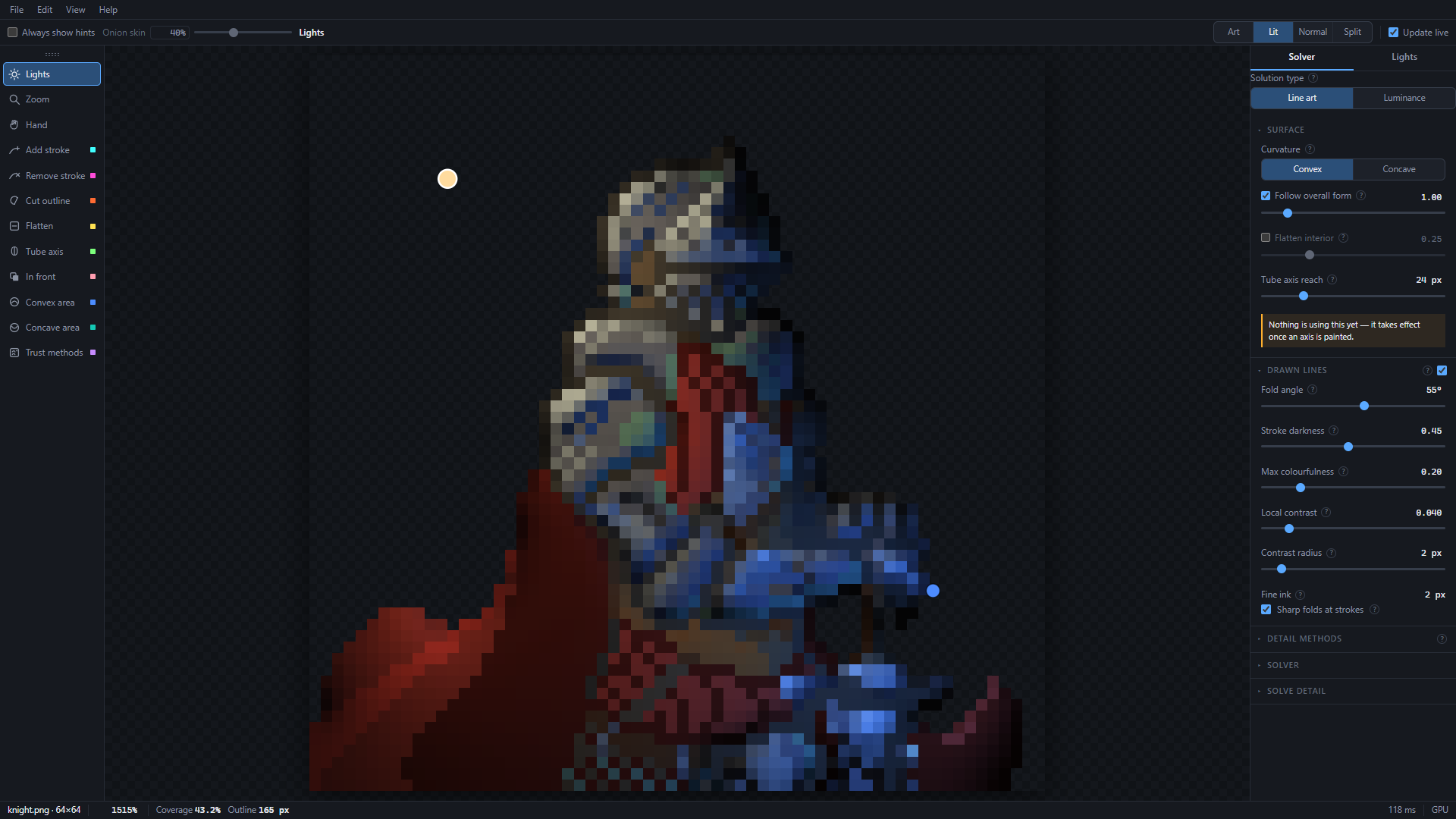
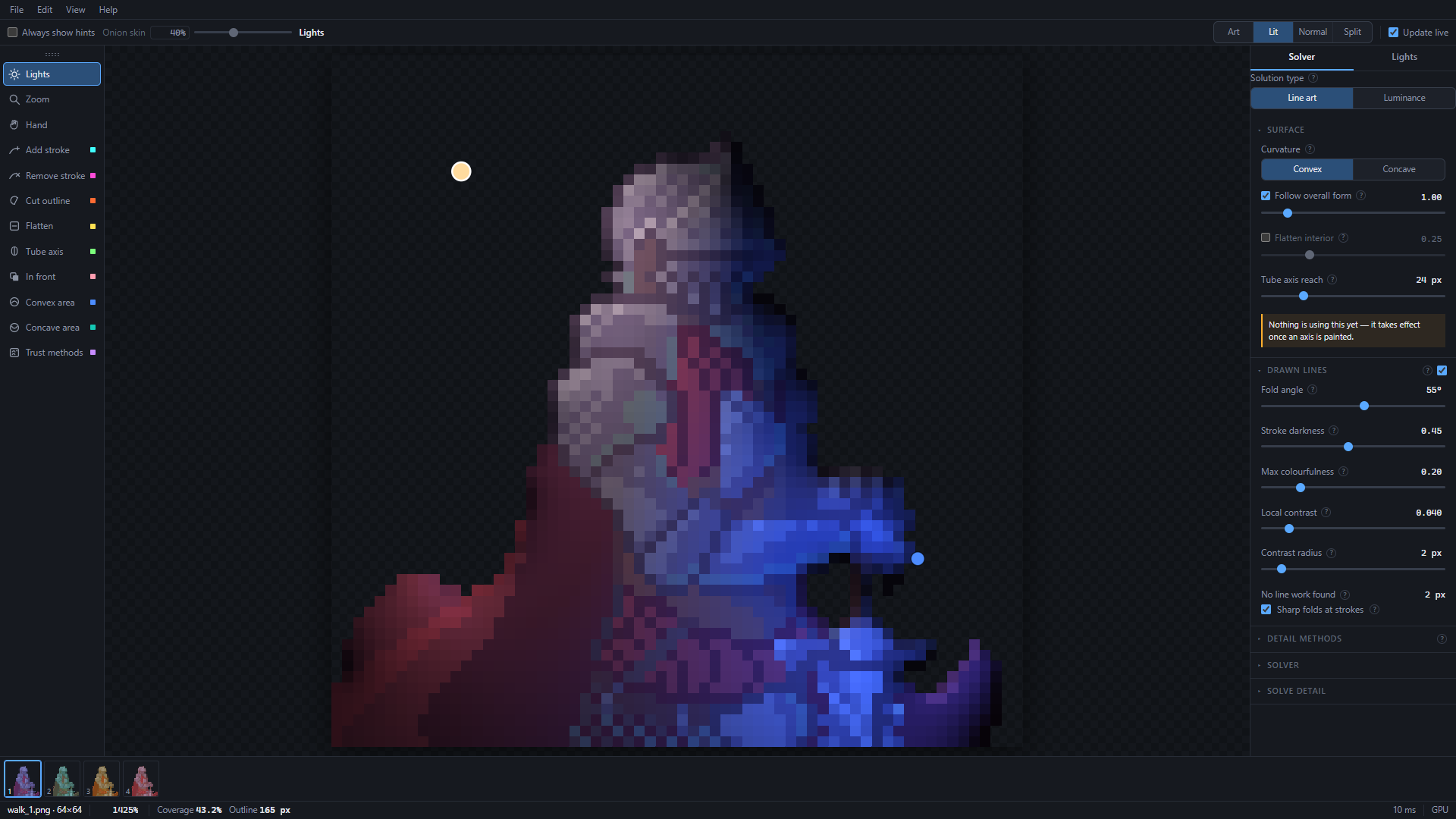
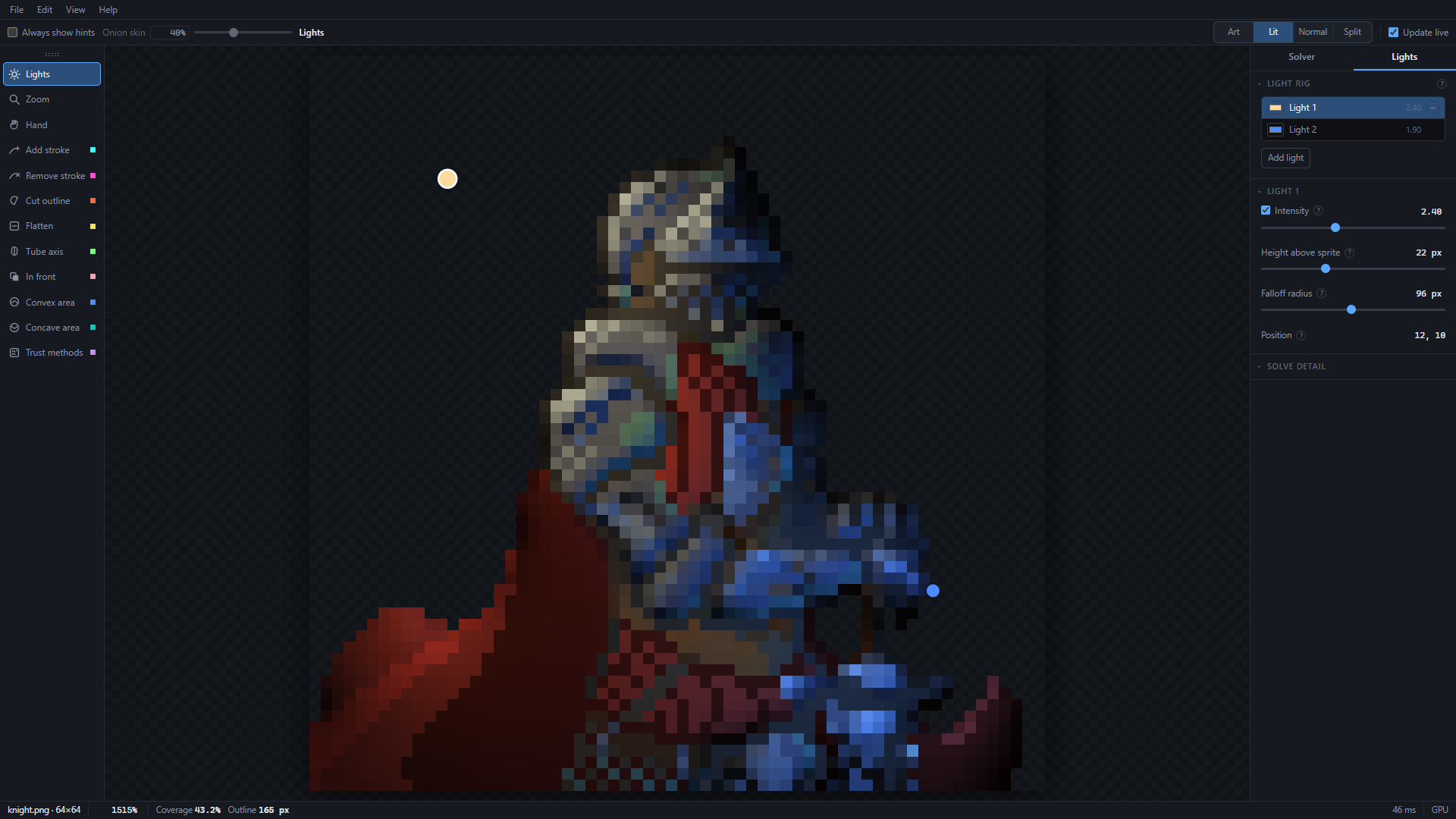
In motion
Animated GIF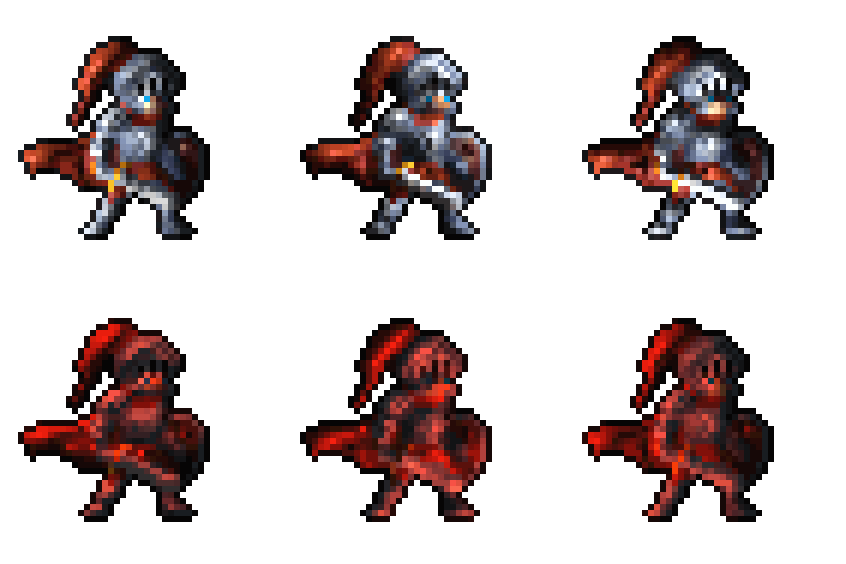
Using these
CreditsUse the images on this page, and screenshots or footage you capture yourself, in coverage of Totally Normal Mapper. There is no need to ask first.
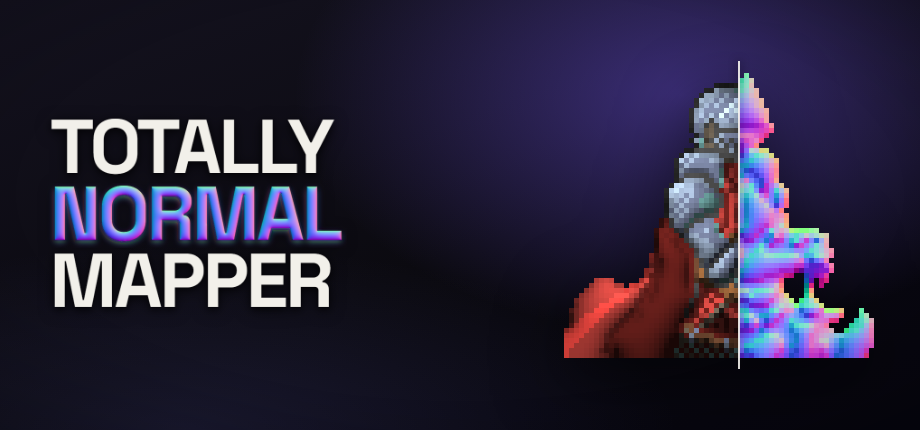
The knight sprite in the key art and the screenshots is from rodrigodmoreira/nmap-generation and is used under the MIT License. If you show it, credit it in the article, the video, or its first comment.
Keys and contact
Writers and creatorsWriting about it or making a video? Email support@goathollowgames.com for a Steam key, and say where the coverage will appear. Questions about how something works get answered too.
About Goat Hollow Games
Goat Hollow Games is a one-person studio. Steve designs, builds and supports everything it makes, tools and games alike, so the press contact above reaches the person who wrote the code.